New User
- Go to http://digital.ecb.co.il/WebBook
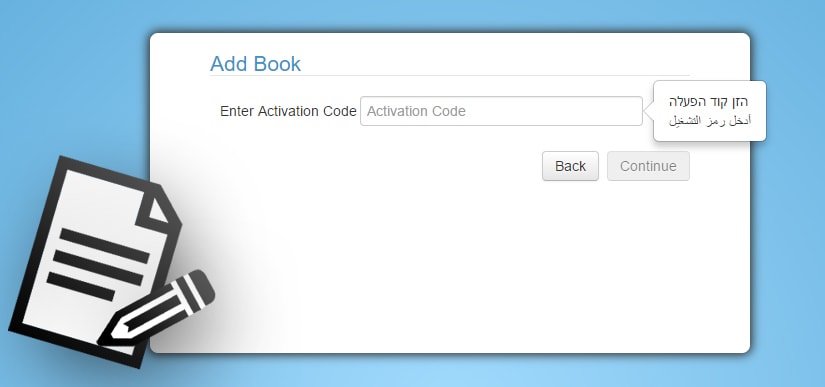
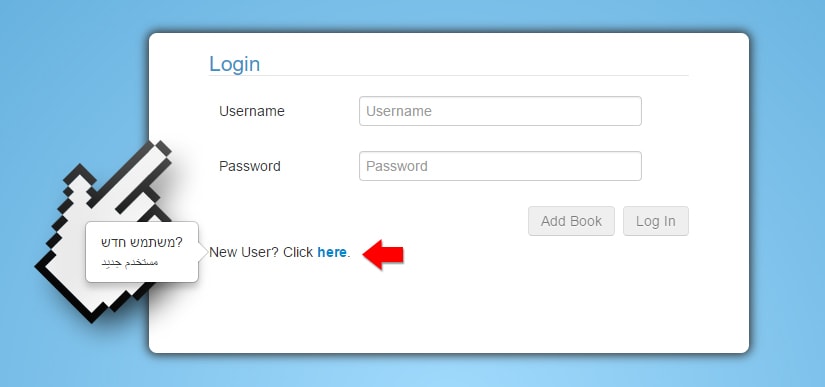
- Click on ‘New User’
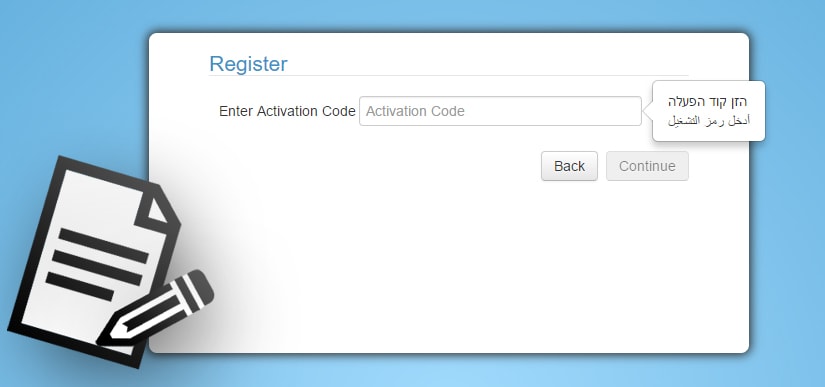
- Enter your Activation code
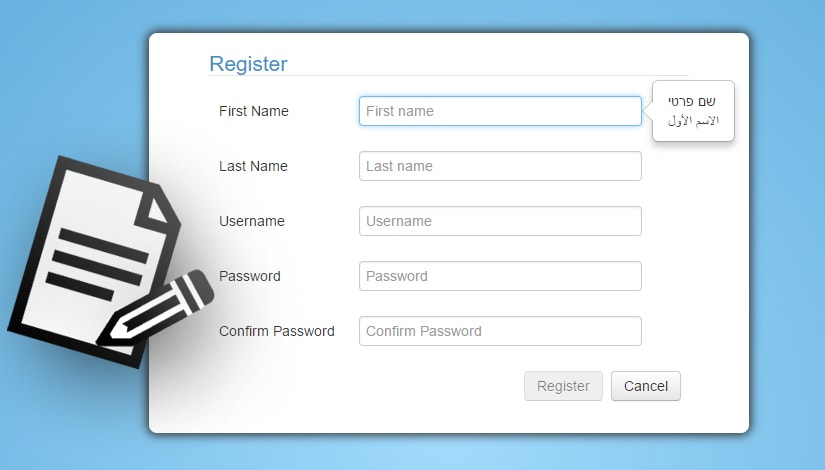
- Fill in your details
Existing User
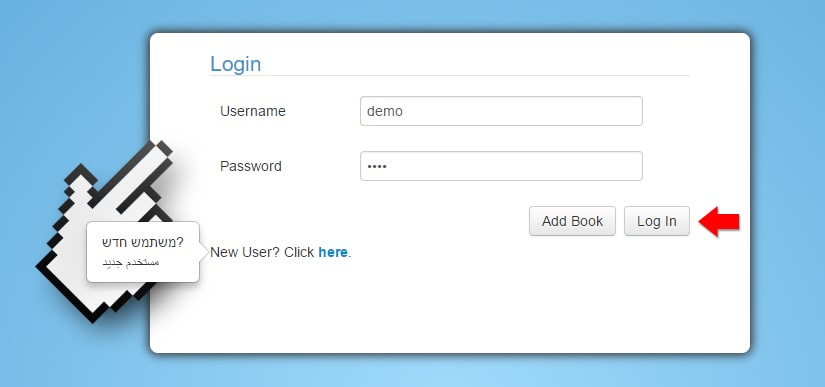
- Go to http://digital.ecb.co.il/WebBook
- Enter your Username and Password to access your book
Adding a book for an existing user
- Go to http://digital.ecb.co.il/WebBook
- Enter your Username and Password and click on ‘Add Book’
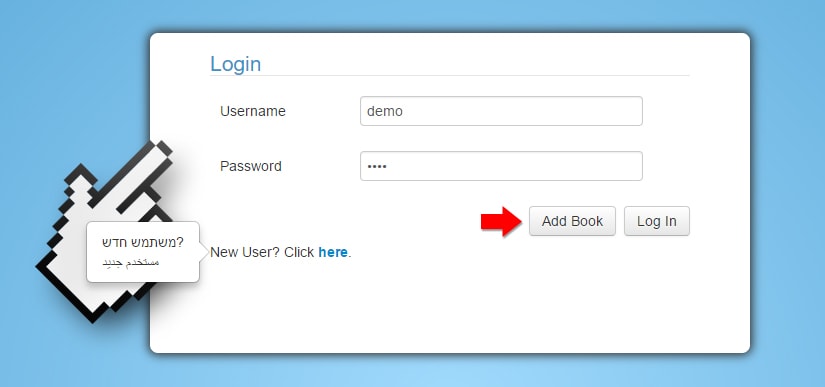
- Enter your Activation code and the book will be added to your shelf